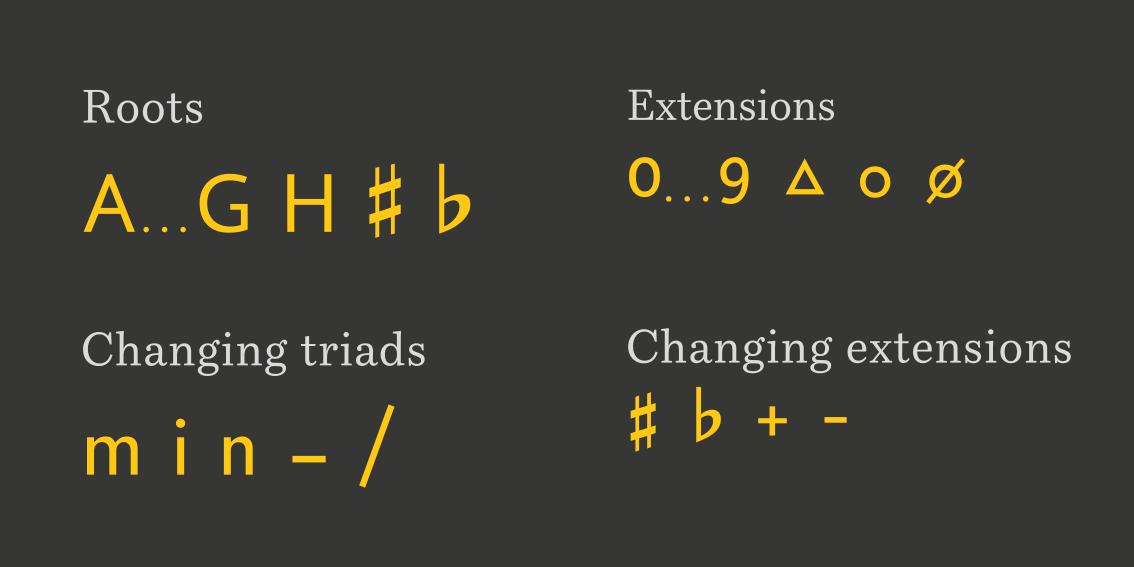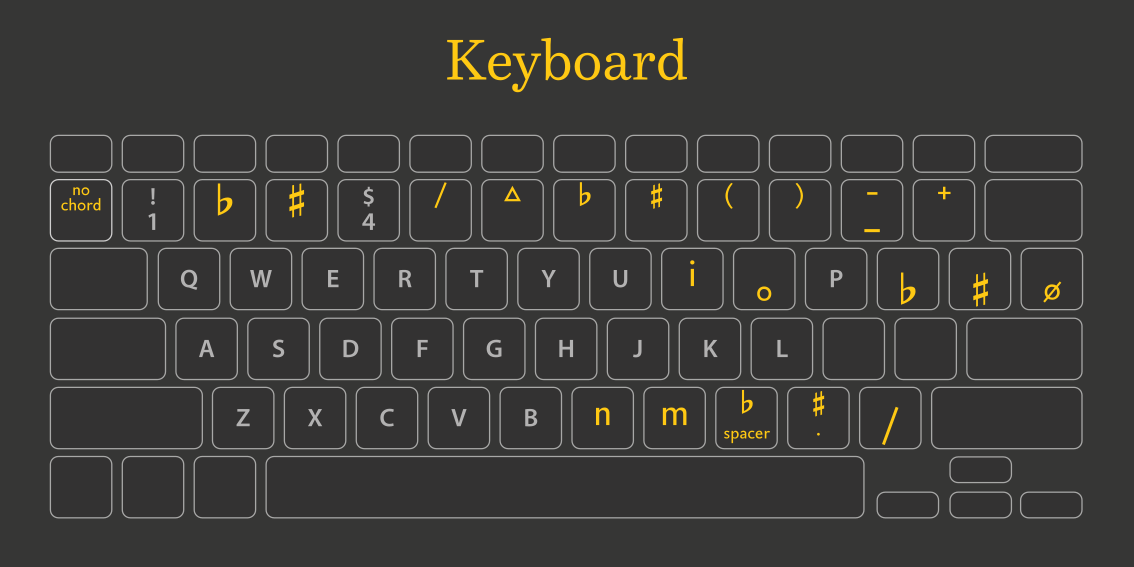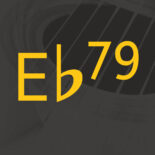
Chord Symbols is a font designed for musicians. It helps you write beautiful chord symbols, whether in Word, Pages, or other applications. No complicated configurations or key combinations are needed – you can simply type the chords with your regular keyboard.
Font tester
Quick guide: use at-sign for a flat and uppercase M for a minor chord
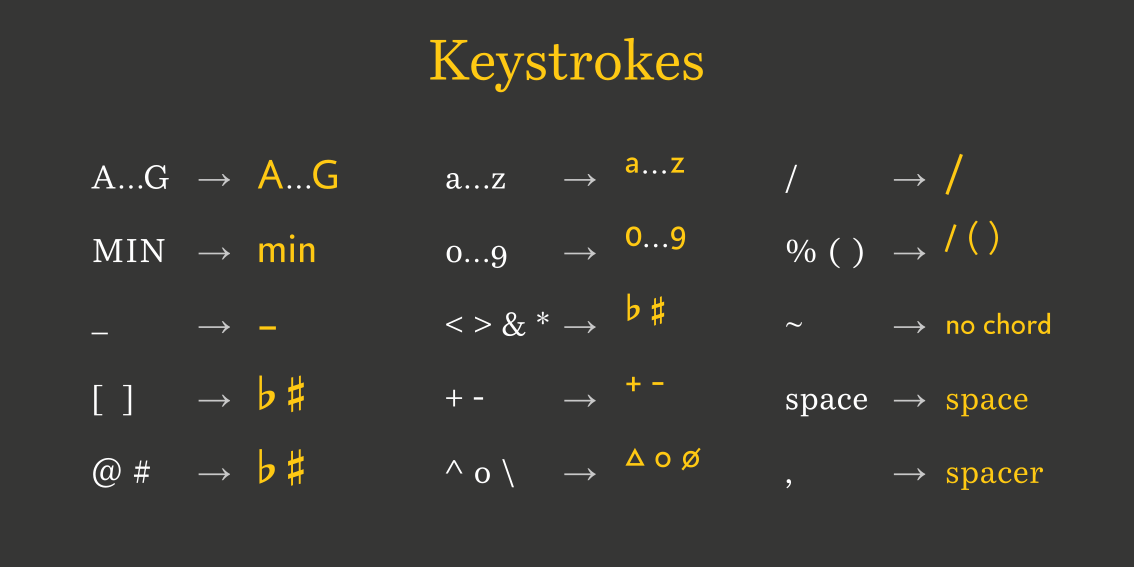
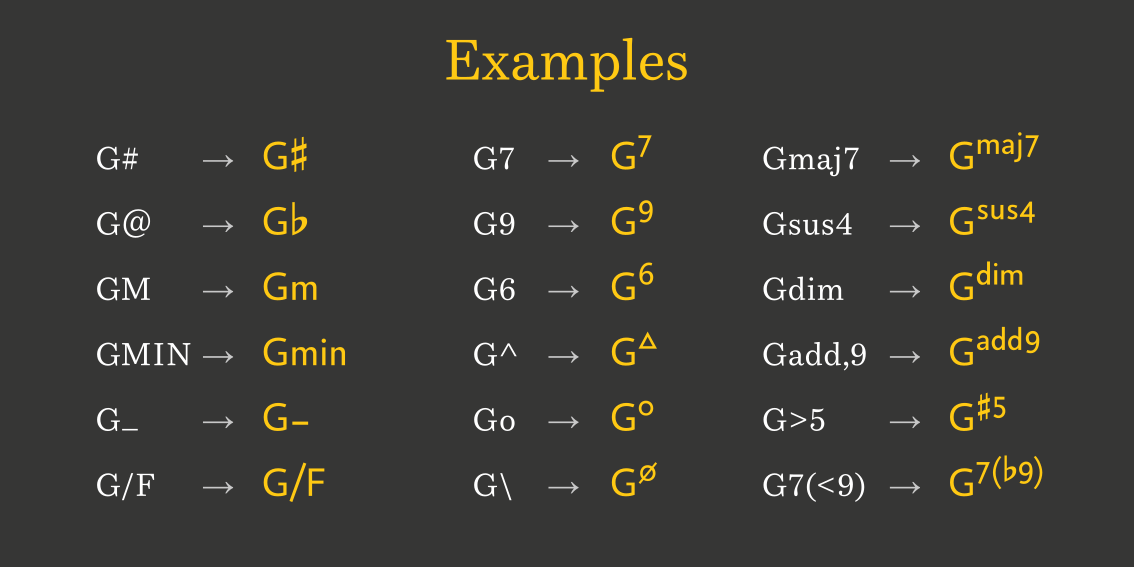
Musicians often notate chords using standard characters. They use # instead of a proper sharp symbol, b instead of a true flat, dim instead of a small circle, and so on. The Chord Symbols font ensures that your chords appear more polished, readable, and elegantly notated. Uppercase letters are used for chord roots, while lowercase letters function as superscripts for terms like ‘sus’ and ‘add’. The number keys are used for additions, and they are also formatted as superscripts for clarity. The # key generates a beautifully styled sharp symbol, while the @ key – which on a US-International keyboard sits to the left of # – produces a flat symbol.
Examples
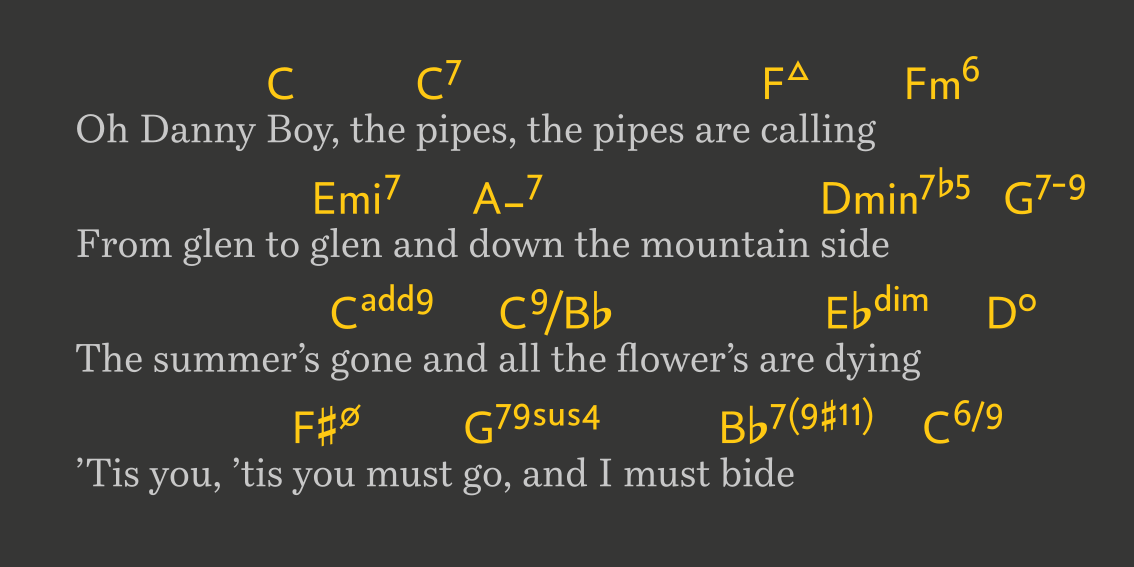
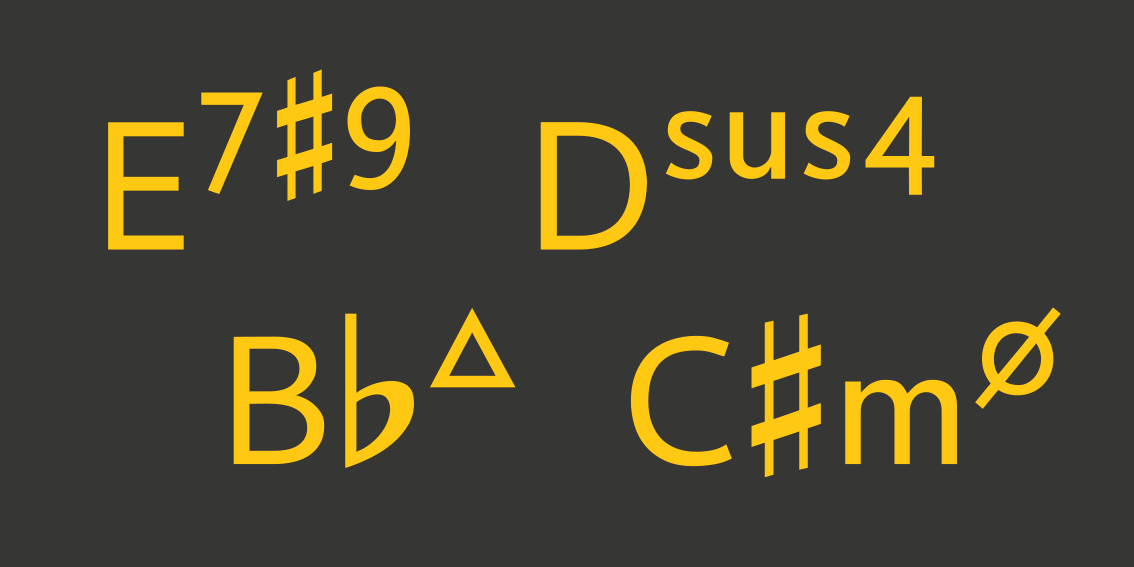
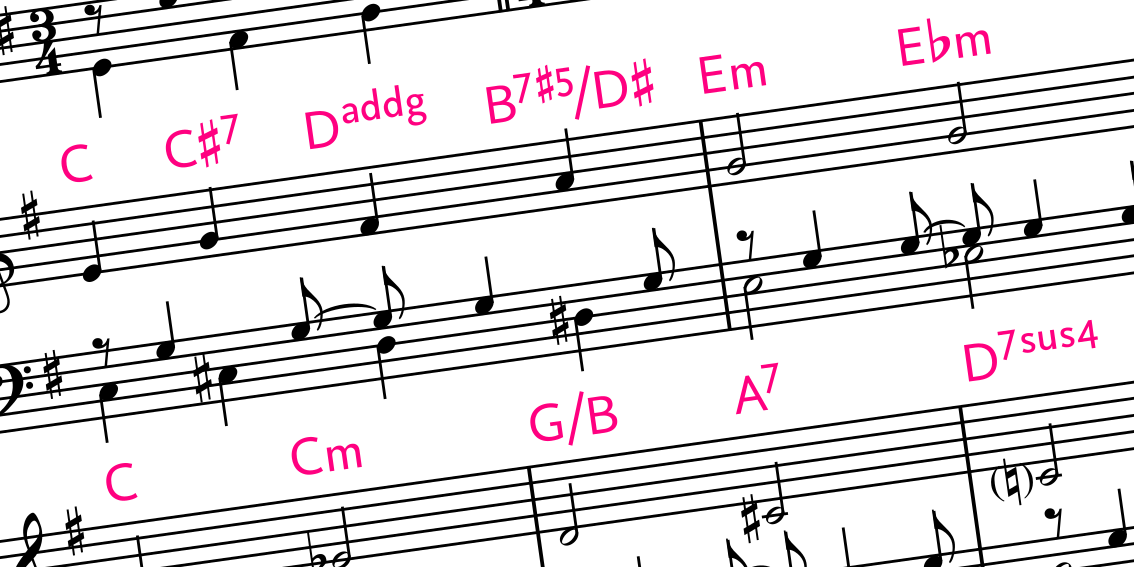
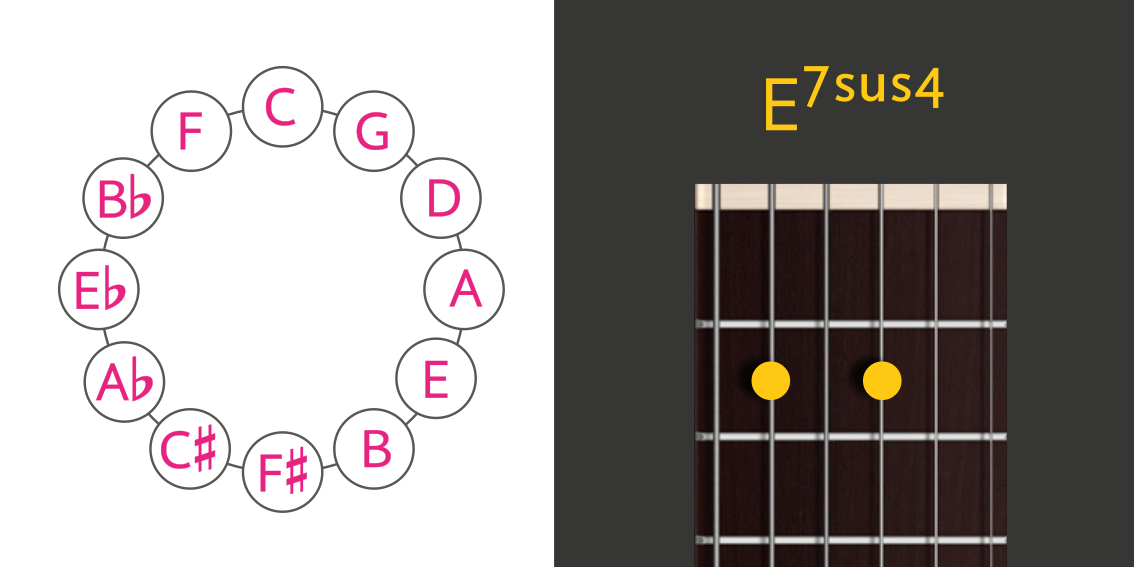
You can use the font to notate chords according to your preference. Whether you favor maj7, m7, or a small triangle for a major seventh – or m, mi, min, or a horizontal line for a minor chord – Chord Symbols adapts to your notation style. The font was originally created to format chord symbols above pop song lyrics, but it works well in many other contexts too.
Typing guide